Joystick Vibration
02_rumble.ipynb
- Running the cell codeCtrl + Enter
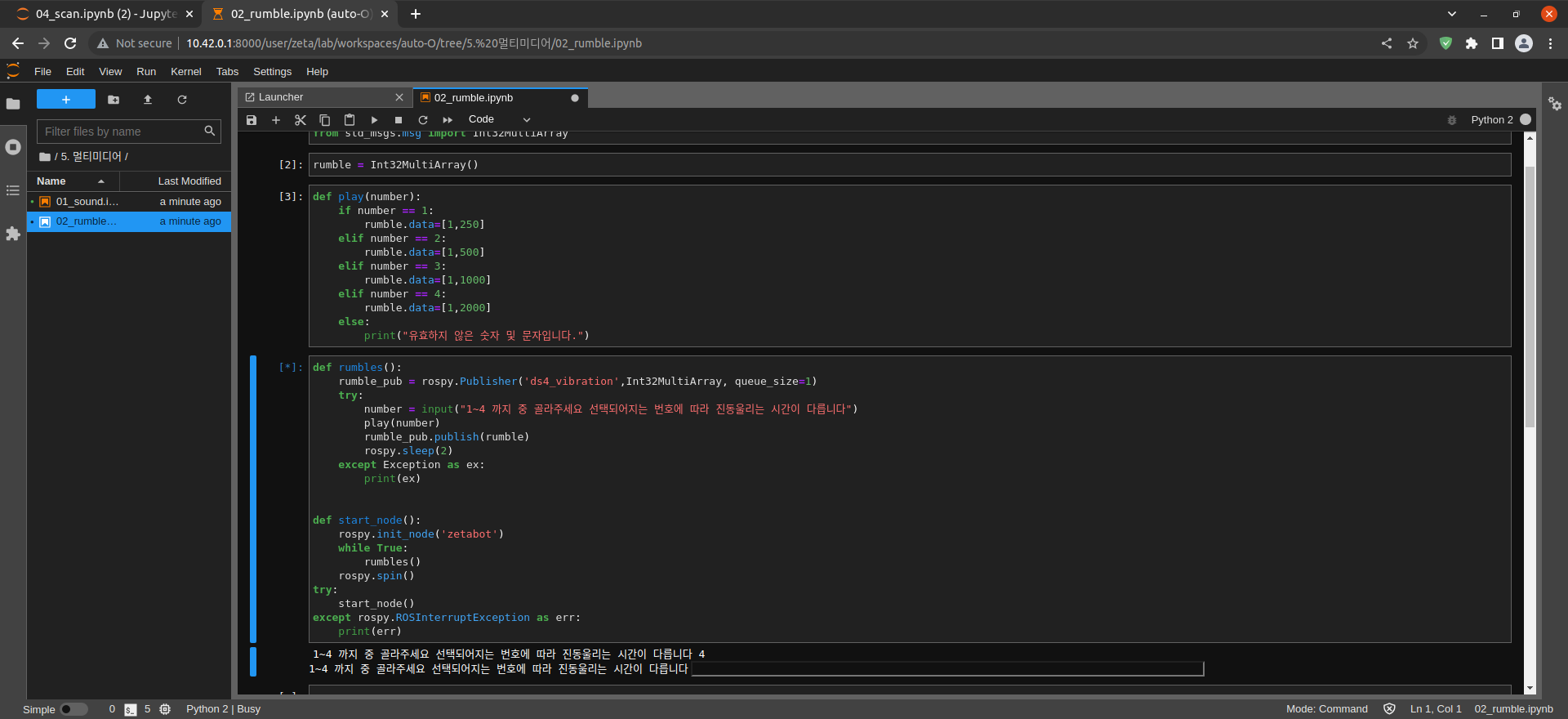
# If you operate the robot and run the vibration module, it does not proceed.
import rospy
from std_msgs.msg import Int32MultiArray
Import rospy modules
Import Int32MultiArray from std_msgs.msg module
rumble = Int32MultiArray()
Set rumble variable to Int32MultiArray() Message Type
def play(number):
    if number == 1:
        rumble.data=[1,250]
    elif number == 2:
        rumble.data=[1,500]
    elif number == 3:
        rumble.data=[1,1000]
    elif number == 4:
        rumble.data=[1,2000]
    else:
        print("유효하지 않은 숫자 및 문자입니다.")
Create play(number) function
Specify data of rumble message in [1, number] format according to number
def rumbles():
    rumble_pub = rospy.Publisher('ds4_vibration',Int32MultiArray, queue_size=1)
    try:
        number = input("1~4 까지 중 골라주세요 선택되어지는 번호에 따라 진동울리는 시간이 다릅니다")
        play(number)
        rumble_pub.publish(rumble)
        rospy.sleep(2)
    except Exception as ex:
        print(ex)


def start_node():
    rospy.init_node('zetabot')
    while True:
        rumbles()
    rospy.spin()
try:
    start_node()
except rospy.ROSInterruptException as err:
    print(err)
Create a rumbles() function
Create ds4_vibration Topic Publisher
Get user input into number variable
Execute the play(number) function
rumble Message Publish
2 second time delay and exception handling
Create start_node() function
Create zetabot Node
run the rumbles() function
start_node() function execution and exception handling